
 Discover
Find a suitable scene
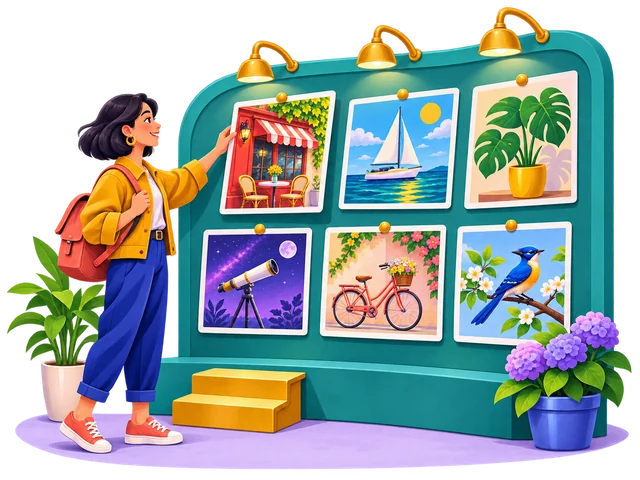
Search for the action or idea you want to explain. A scene about collaboration, learning or progress often communicates more clearly than a decorative image chosen only for its colors.
See selection tipsIllustrations for creative projects
Explore UnDraw illustrations, learn how to customize colors, and choose SVG or PNG for websites, apps and creative projects.
 SVG & PNG
 Color customization
 Websites & apps
 Practical tutorials
A clearer picture
UnDraw is a collection of illustrations created by Katerina Limpitsouni for digital and creative projects. You can browse its artwork, change an illustration’s main color and download an SVG or PNG to suit your design.
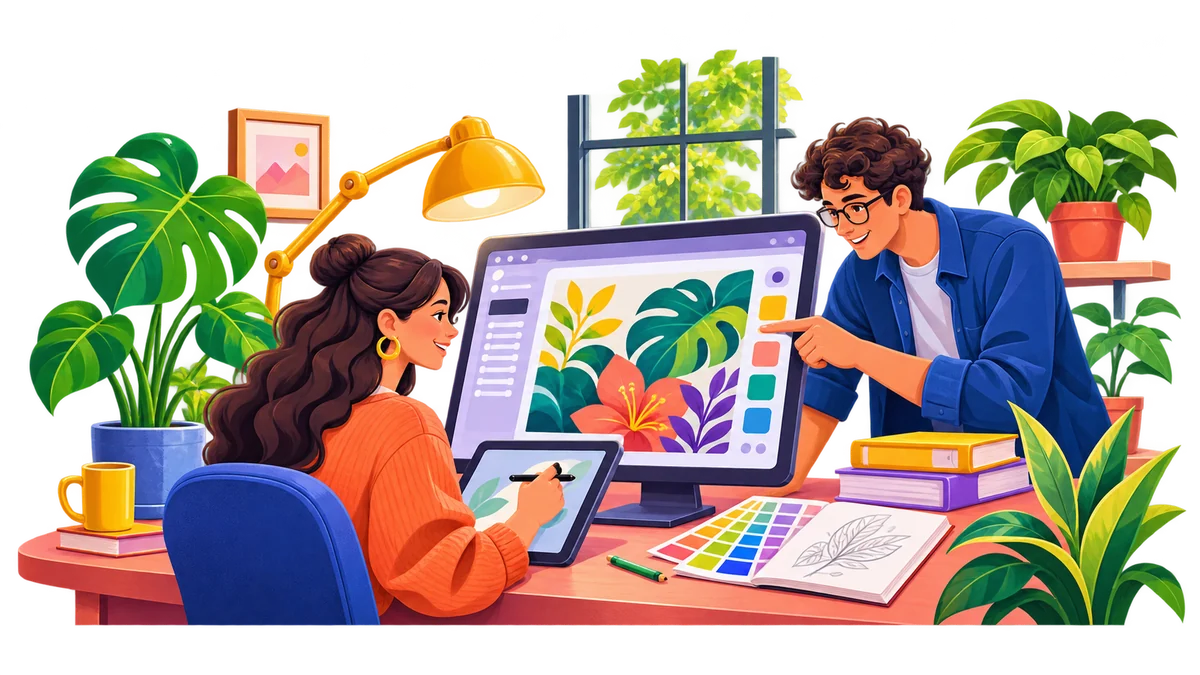
A useful illustration supports the idea on the page. Think about your message first, then choose a scene that makes it easier to understand. This homepage brings together practical ways to select, customize and use UnDraw artwork in everyday design work.
You do not need to fill every section with a picture. Give each selected scene a clear role: introducing a benefit, explaining an action or adding context. A smaller, purposeful collection is easier to keep consistent as your project grows.
From idea to finished design
Choose your message, set a color direction and pick the file that fits your project. A little planning keeps the final artwork relevant and consistent.
DiscoverSearch for the action or idea you want to explain. A scene about collaboration, learning or progress often communicates more clearly than a decorative image chosen only for its colors.
See selection tips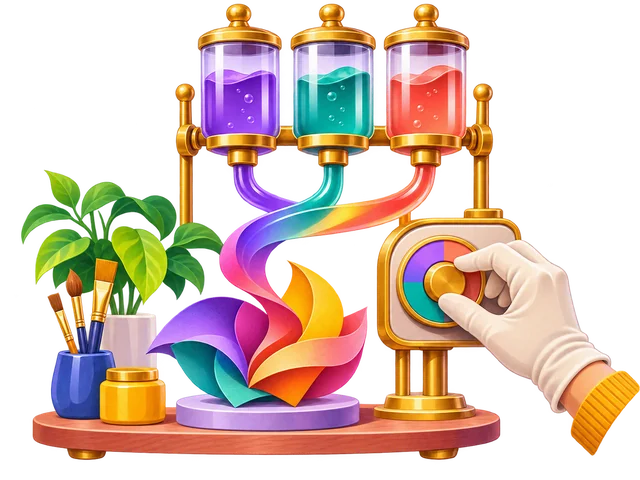 Customize
Choose an accent from your existing palette. Preview it alongside your heading, background and buttons so the illustration supports the page without competing with its main message.
Explore colors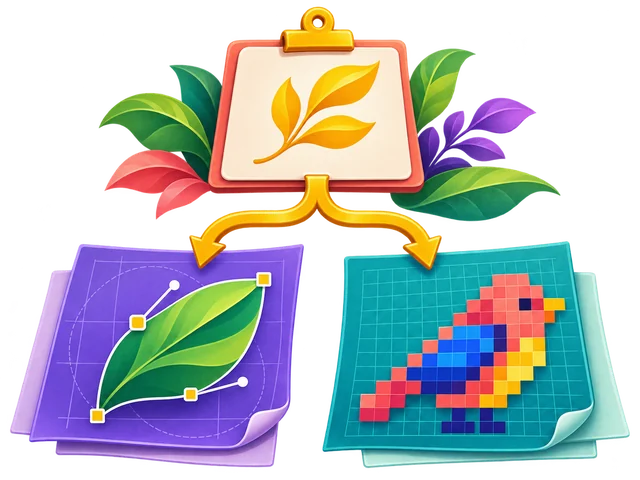 Export
Use SVG when you need scalable artwork or further vector editing. Choose PNG when you want a finished image that fits an image-based workflow, and export it at an appropriate size.
Compare SVG and PNGThe right file for the job
UnDraw illustrations are available in two familiar formats. The best choice depends on where the image will appear, how much you need to edit it and the tools you use. Both can work well when prepared carefully.
Scalable Vector Graphics
Portable Network Graphics
Keep an editable original, then prepare a separate export for the final page. A file’s format alone does not guarantee a small download.
When you share a finished layout, check the exported file rather than relying only on the editor preview. A correctly sized UnDraw illustration should remain clear without pushing text out of its container or introducing unwanted empty space around the composition.
One thoughtful palette
UnDraw’s color picker helps you bring an illustration’s main accent closer to your brand. Start with one purposeful color, then check the artwork against the background where it will be used.
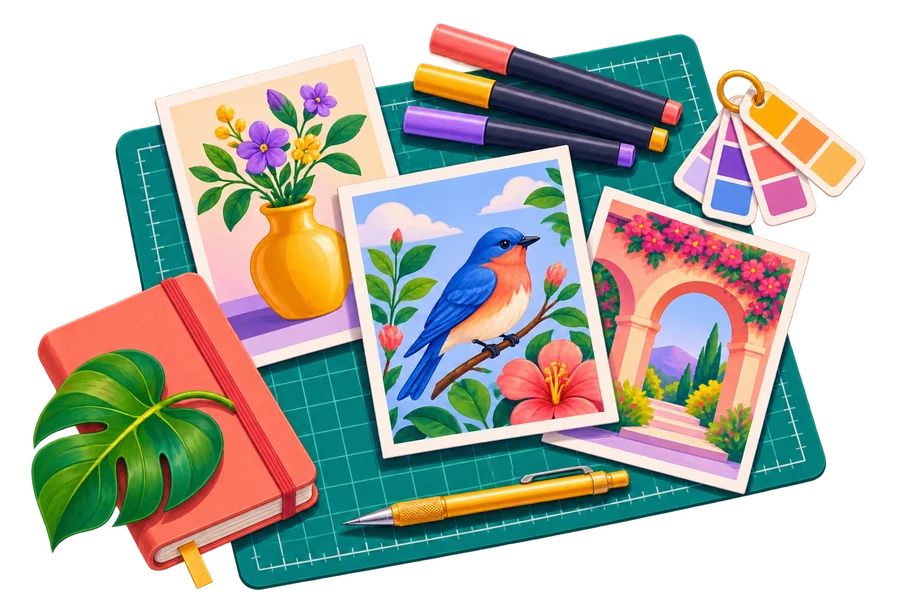
These original example scenes show three different color directions. A violet, teal or coral palette can create a different mood while the page keeps a consistent visual style.
Explore the color guide
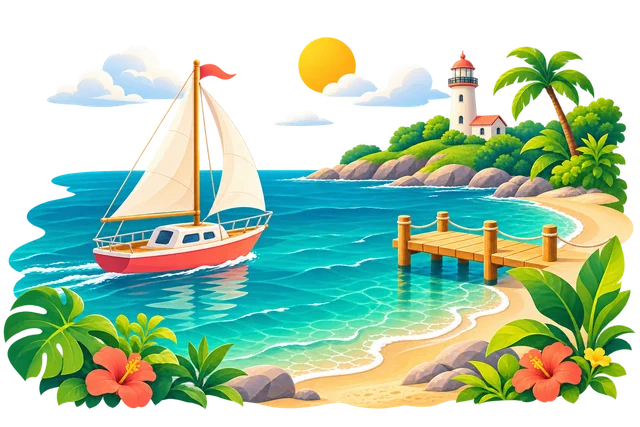

Designed around your message
Use UnDraw illustrations where they explain something useful. The strongest placement gives the visitor context, supports a task or makes a complex idea feel more approachable.
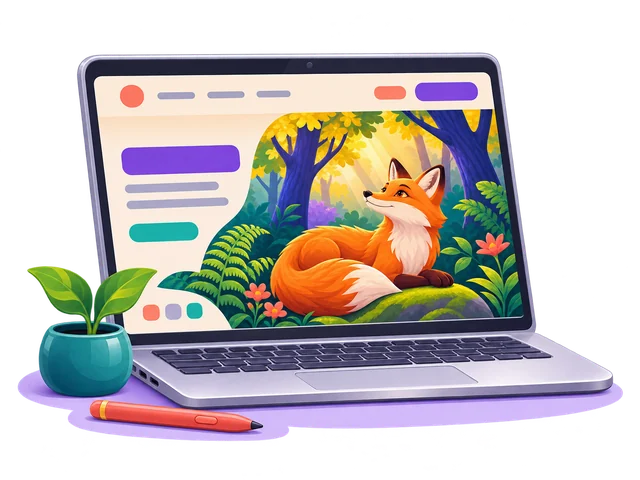
Introduce your product with a relevant scene. Give the heading and call to action enough room, and let the artwork support the benefit you are explaining.
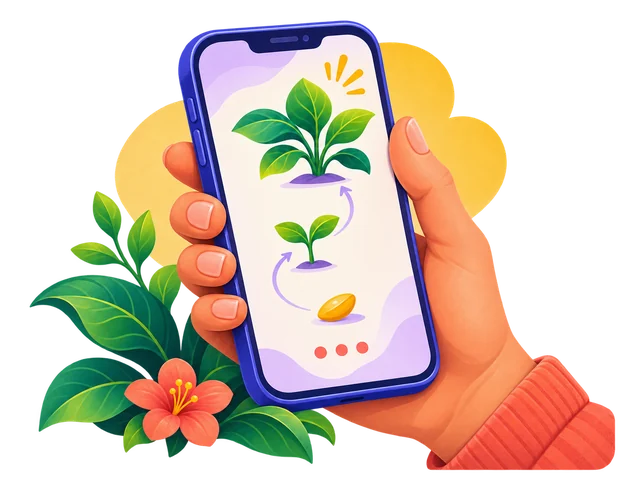
Make a new process easier to follow. Keep each illustration tied to one step, with concise instructions that still make sense without the image.

Add context to an article or a key idea. Choose a scene that belongs with the topic and leave essential information in readable article text.

Help an audience follow your explanation. Use a consistent illustration style across slides and keep important labels large enough to read from a distance.
Bring the pieces together
A collection feels cohesive when its images share a clear purpose, compatible colors and similar visual weight. Keep a consistent amount of space around your artwork rather than forcing every scene into the same crop.
Test UnDraw illustrations beside your real content on a laptop, tablet and phone. A complex scene may need more room on a small screen. Preserve its proportions and make sure the text remains easy to scan.
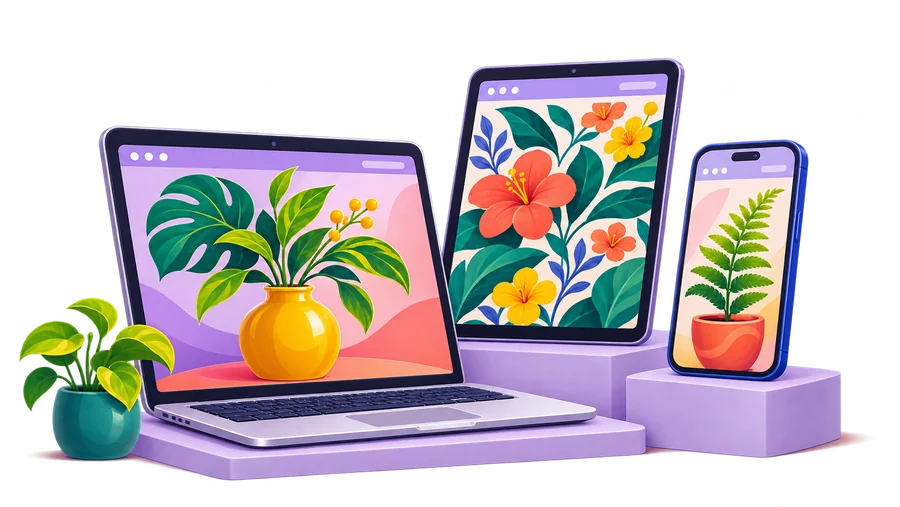
Add the artwork as part of your content, give it a clear size and keep it inside its container. Meaningful alternative text helps describe an informative illustration; decorative artwork can use an empty alt attribute.
Keep the image beside the content it supports. On a narrow screen, let the layout stack naturally and check that the reading order still feels clear. Important instructions should remain available as page text, even when an illustration does not load.

Prepare your UnDraw illustration for the tool and the final output. Keep its proportions intact, work from an editable copy when you need one, and check the export after resizing. Avoid stretching a finished PNG to make it fit.



Serve images at sensible dimensions, compress exports and reserve their layout space. Load the hero promptly, then let off-screen artwork load as visitors move down the page. Check the result on a real mobile connection as well as a desktop.
UnDraw publishes its own license for using its artwork. Personal and commercial project use is allowed without required attribution, subject to its terms. Using an illustration inside a project differs from collecting assets to redistribute as a competing library or pack. Read the current license before planning a new use.
 Read the License Guide
Find the right fit
Compare the editing workflow, visual style and output you need before choosing a library. A useful comparison starts with your project, rather than assuming every free collection works the same way.
Compare a simple illustration workflow with a tool built around scene customization and animation.
Read comparison
Look at illustration styles, subject browsing and how color customization fits your project.
Read comparison
Compare individual scene selection with themed creative packs and different visual treatments.
Read comparisonClear answers to common questions about UnDraw illustrations, file formats and everyday design use.

UnDraw’s published license allows personal and commercial project use without required attribution. It also sets restrictions, including compiling the artwork into a similar or competing service. Read the current license for your intended use.
Choose SVG when scalability and vector editing matter. PNG is useful for image-based layouts and tools. Export a PNG at enough pixels for its intended display size so it does not become soft when enlarged.
You can use UnDraw’s color picker to change its main accent before downloading. For changes to individual elements, work on an SVG copy in a compatible vector editor and check the exported result.
UnDraw’s license does not allow compiling its assets to replicate a similar or competing service or distributing the assets in packs. Project use and building a downloadable asset collection are different uses.
Preserve the aspect ratio, avoid fixed widths that exceed the container and use an appropriate source size. Inspect a narrow-screen layout so the image and text remain balanced and no important detail is cropped.
Put your ideas into practice
Follow a focused walkthrough for your next UnDraw project. Each guide covers a different task, from choosing a color to placing artwork in a page and improving export quality.
Choose a useful accent, check it in context and keep a consistent palette across the design.
Read the guide
Place a scalable illustration in your layout with simple HTML and responsive CSS.
Read the guide
Understand pixel dimensions, scaling and the difference between source and display size.
Read the guideChoose artwork with a purpose, shape it around your project and give every illustration room to communicate. Start with one practical guide and build from there.
Explore the Guides